


Just when I thought my files were lost, Acronis brought them back
The motherboard on my Dell XPS 8930 desktop had gone south. Since I have Dell Premium Support, a technician arrived with a new motherboard and power supply. He did a great job, except …
… the PC simply would not boot up into Windows the email I used to sign up for my Microsoft account was no longer valid. The Dell tech spent an hour trying to work around it, but it appeared all was lost.
Acronis Cyber Protect Home Office (Formerly Acronis True Image) and my diligence saved the day.
Since I use Acronis to back up my files, including the operating system, to an external 5 TB hard drive, and I do that backup every night, all my data was there for recovery.
The program helps create a startup disk, which you can only do when the PC is up and running. Next I chose a full backup to the external Western Digital hard drive. I set backups for 2 a.m. each night, and that’s it.
When I thought all was lost, I used the Acronis rescue disk to boot up. A menu appears. RECOVERY was the operation I wanted. It took more than three hours to recover the C drive and external D, E and F USB drives. And then I booted up. Everything was there, just as it was at 2 a.m. that day.
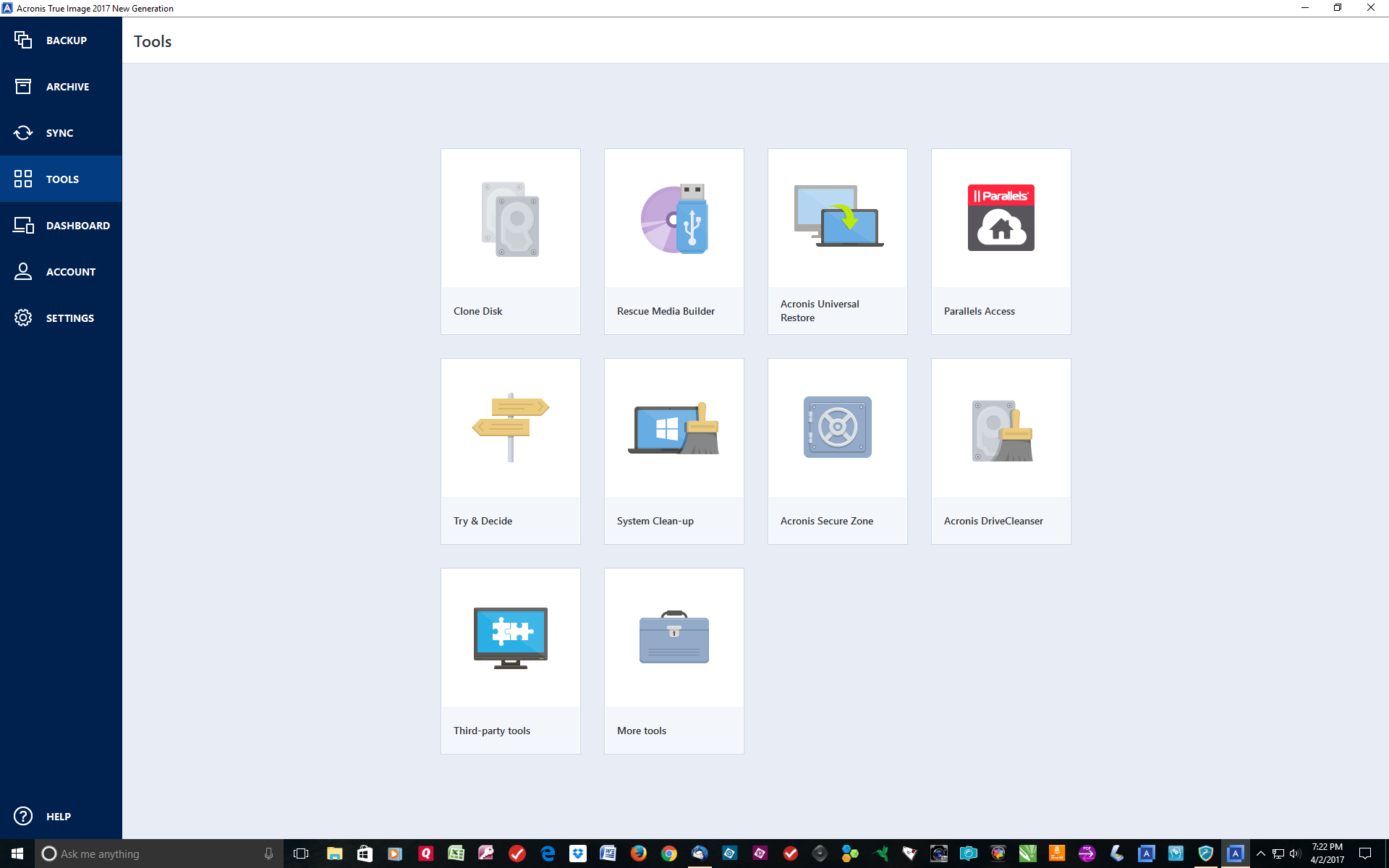
Another option is cloning a hard drive. It works best when you’re replacing a hard drive. Since I had multiple hard drives, I used the simple back up program.
The Acronis software, is menu-driven and intuitive. If you get lost, its knowledge base at http://www.acronis.com.
An interesting utility, Try and Decide, lets you open potentially risky email or visit potentially unsafe websites without worrying that hackers will take control of your computer. You open the risky email, then decide if you want to delete it without further harm to your computer.
Another utility, System Clean-up, removes all traces of your web surfing and program-launches. If you ask it to, the utility will wipe the free space on your PC’s hard drive. Yet another utility will wipe an entire hard disk clean.
Acronis promises protection of backups from ransomware. That ugly scam involves someone sending a message to an unsuspecting PC user that that unless he pays up, his computer will remain unusable. I’ve been there. It happened when I misdialed Dell’s support number and was routed to someone who held my laptop ransom – for $300 he would allow me to start computing again. When I refused, he threatened to release all sorts of bad things on my computer. I hung up and called Dell Premium Support. Fortunately, a Dell tech was able to delete any traces of the ransomware. Just to make sure the hard drive was clean, I reformatted the it, then used the original cloned hard drive to restore Windows and all my applications.
Acronis’s ransomware protector would be worth the price of the program if that were all that was offered. If I had it when pirates hijacked my PC, I could have saved many hours of tech support and reformatting. As added security, Acronis “notarizes” backups to ensure that they are not infected with viruses and other threats when the files are restored.
Backups of either the whole hard drive or certain files can be scheduled. Running those backups at night means a day’s work will be saved. Or backups can be run as you work. Some versions of Acronis come with cloud backup; those files can be shared with others, as long as they have your password.
Acronis, which works both with Windows and Macs, can back up the contents of a smartphone. If you have iCloud or a similar backup service, the Acronis backup would provide an extra layer of assurance. I
Prices range from $50 to $100, depending on the number of Windows or Mac computers you want to cover and whether you want cloud backup. http://www.acronis.com

 Harold's Helpware